




From B-Rep to Implicit,
all modeling in one place
Nodi is a node-based geometry design tool
— and a Production-Ready standalone CAD Engine
Feature Overview
-
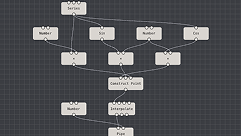
Node Based Interface
-
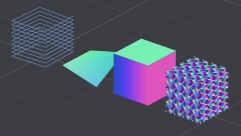
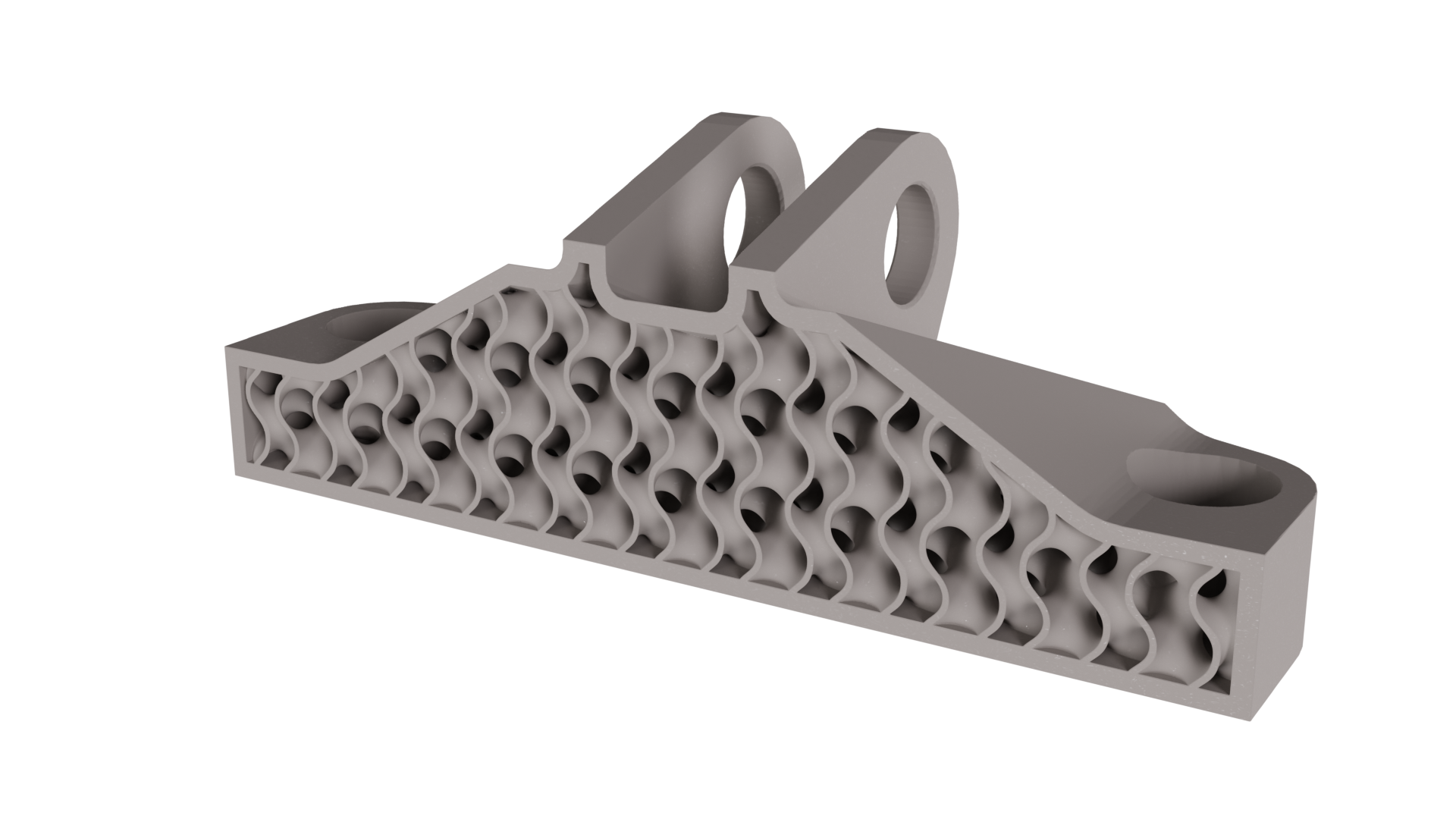
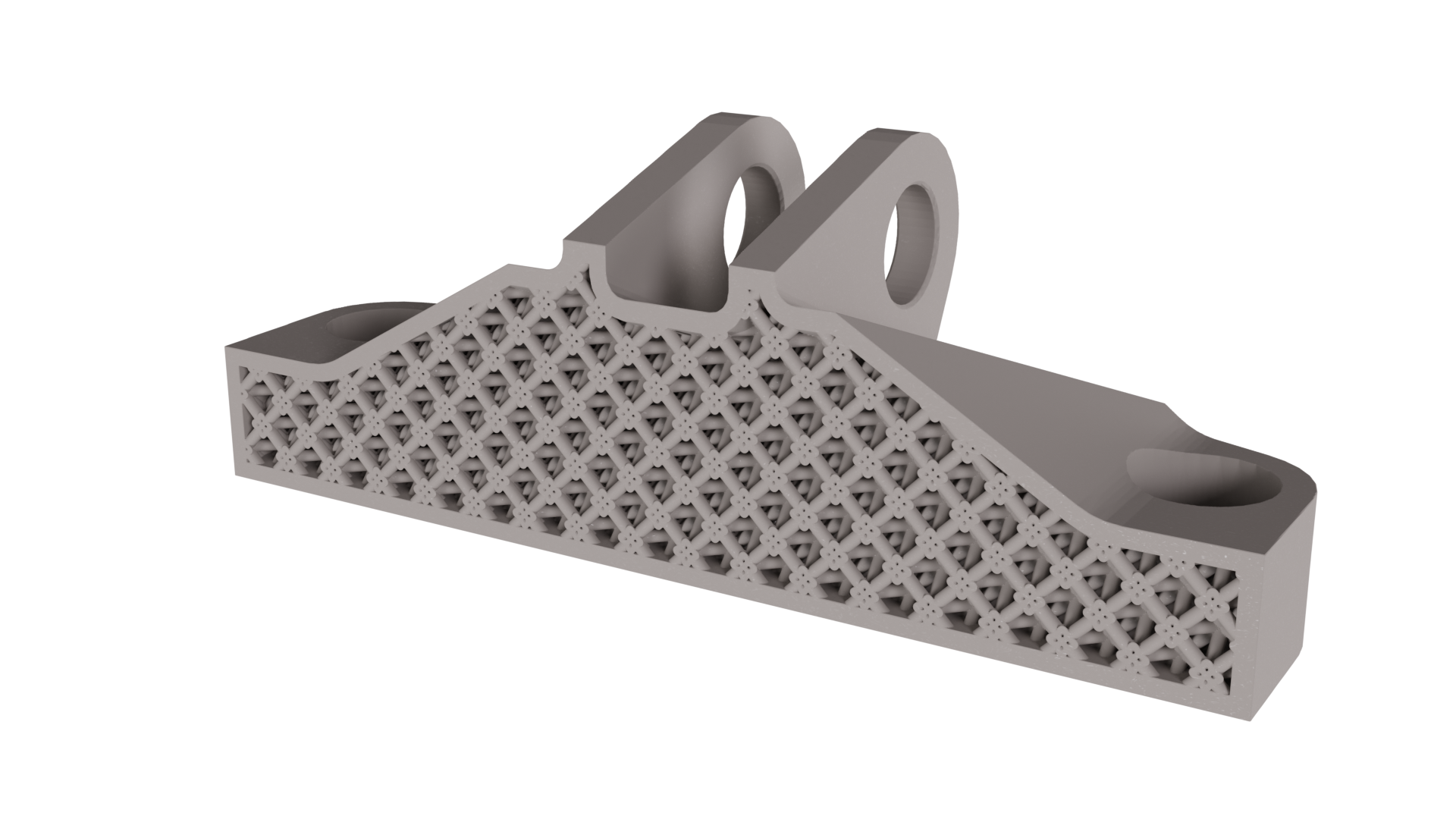
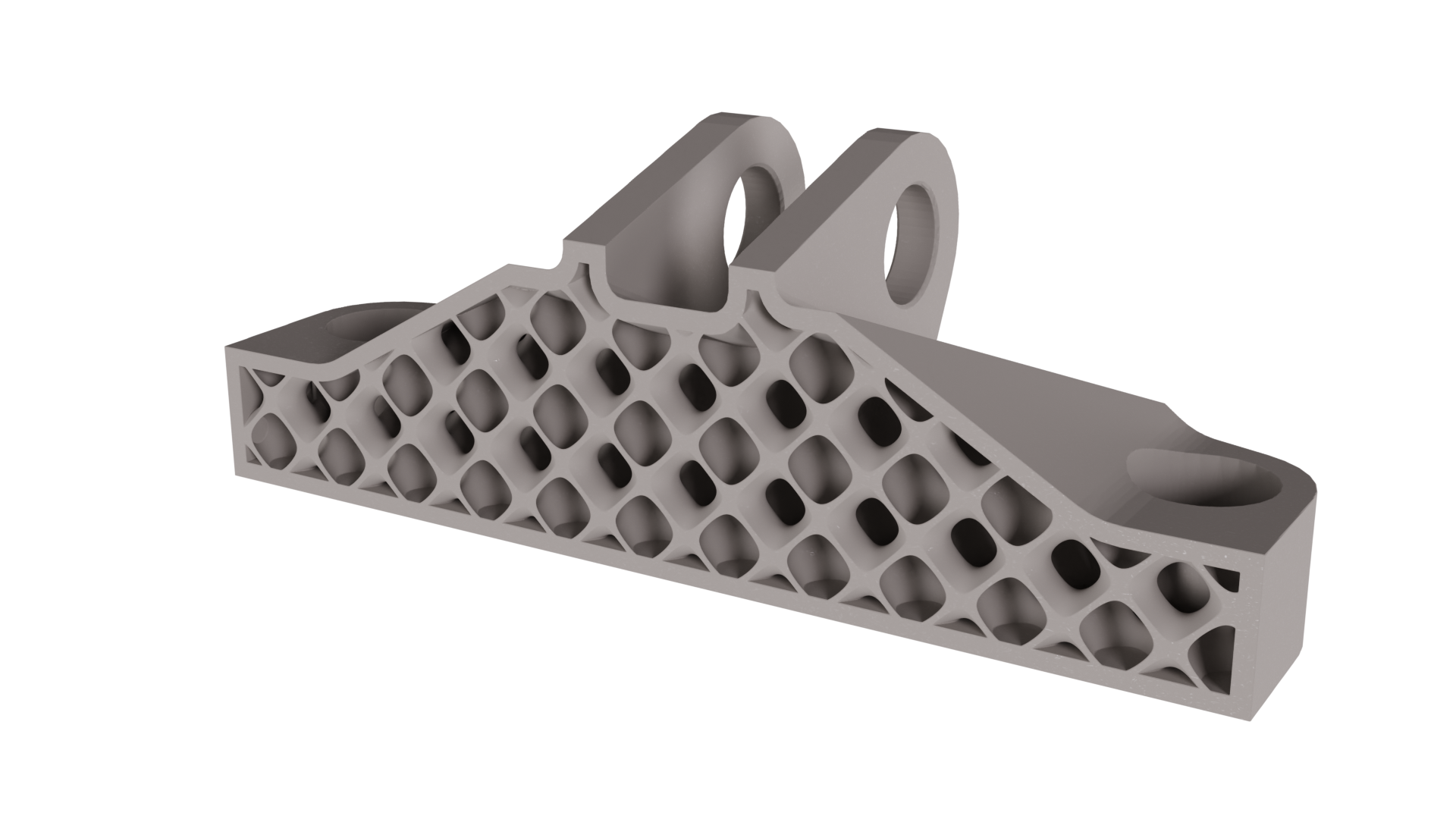
Curve, Surface, B-Rep, Implicit modeling
-
 Desktop only
Import CAD data
-
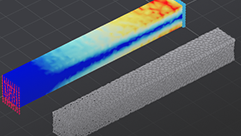 Desktop only
Built-in Simulation
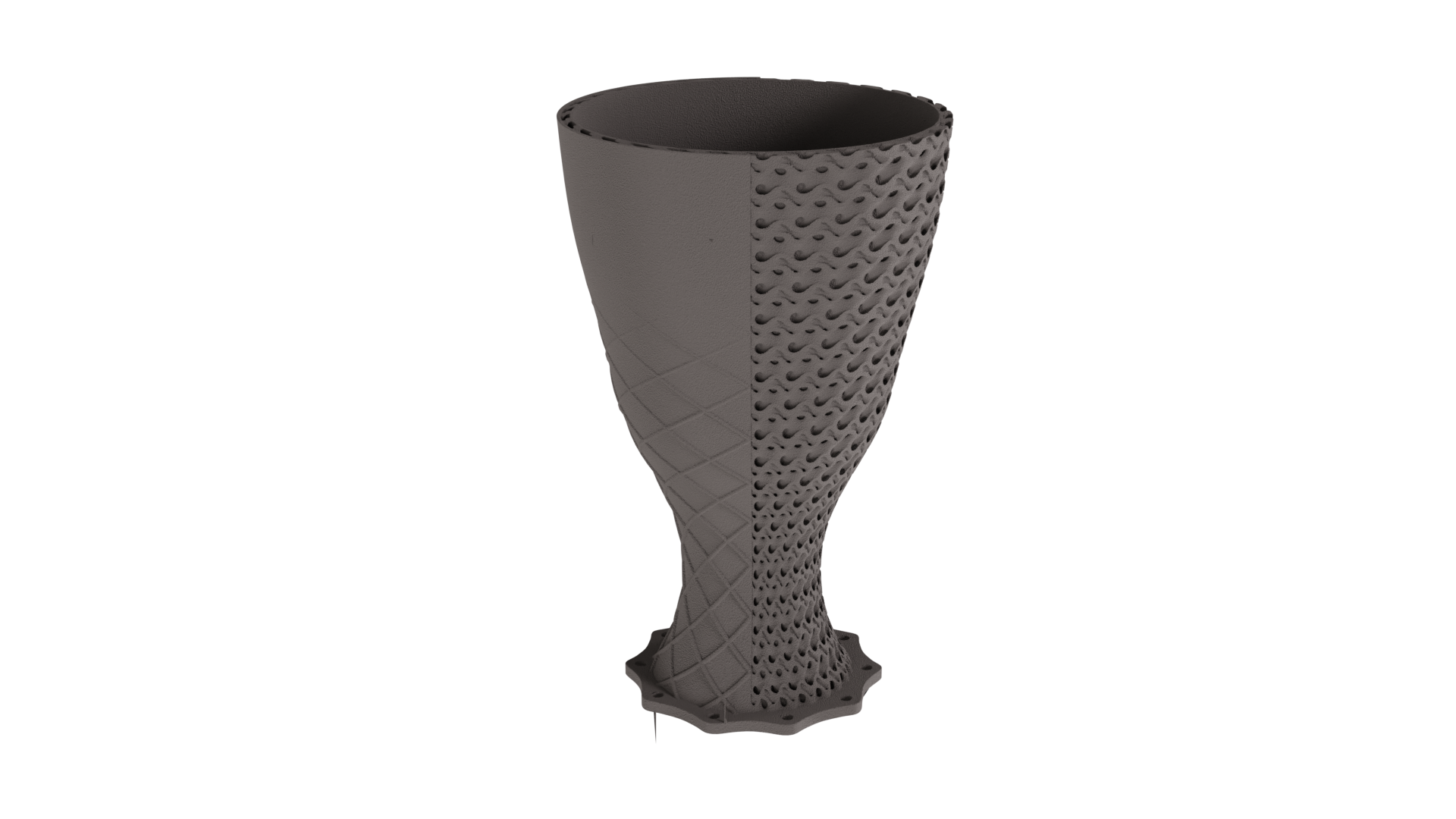
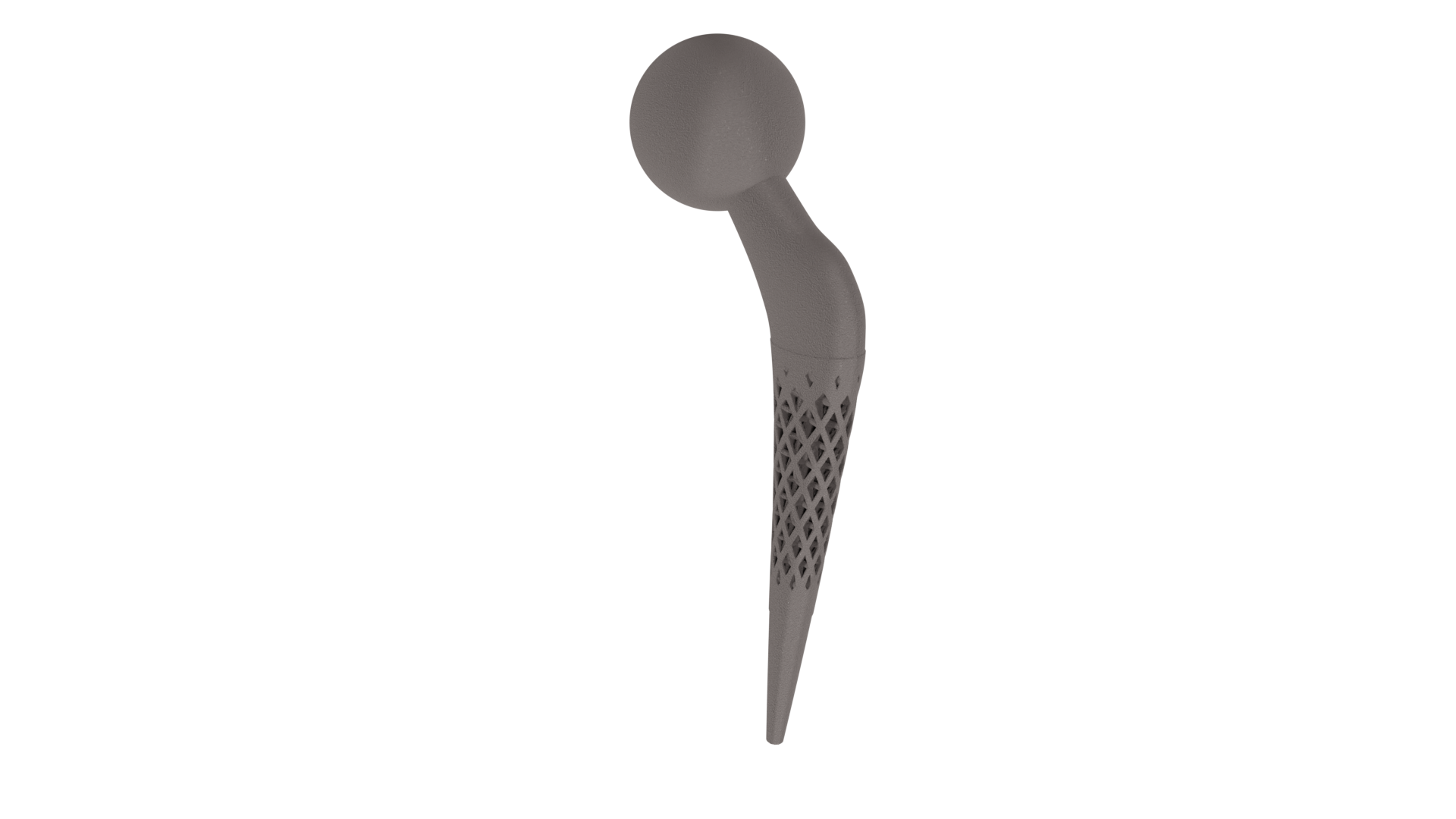
The power of Hybrid
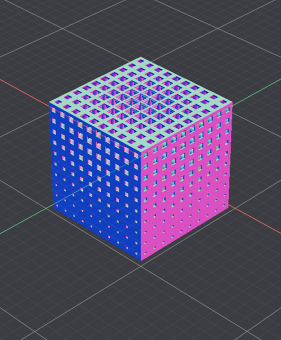
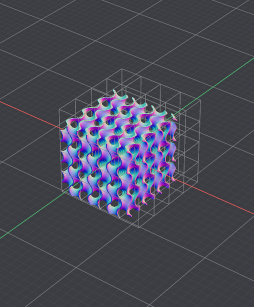
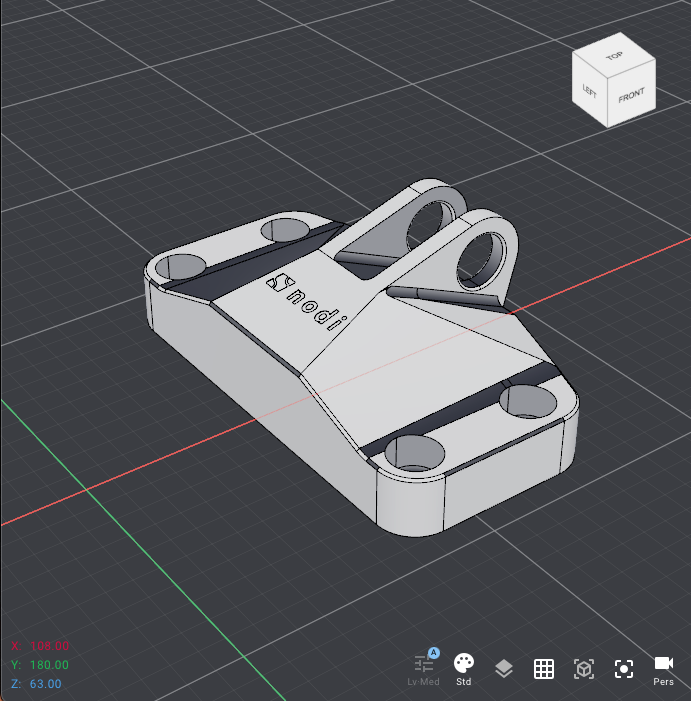
Leverage Implicit + B-Rep. Get full control over complex geometry.
Implicit
- Robust Operations
- Simulation-Driven Design
- Full Control TPMS & Lattices

Brep
/ Surface/ Mesh
- Precision Interfaces
- Leverage Your CAD Assets
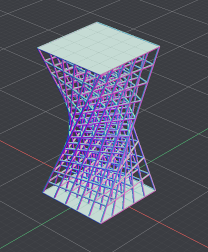
Design while Simulate
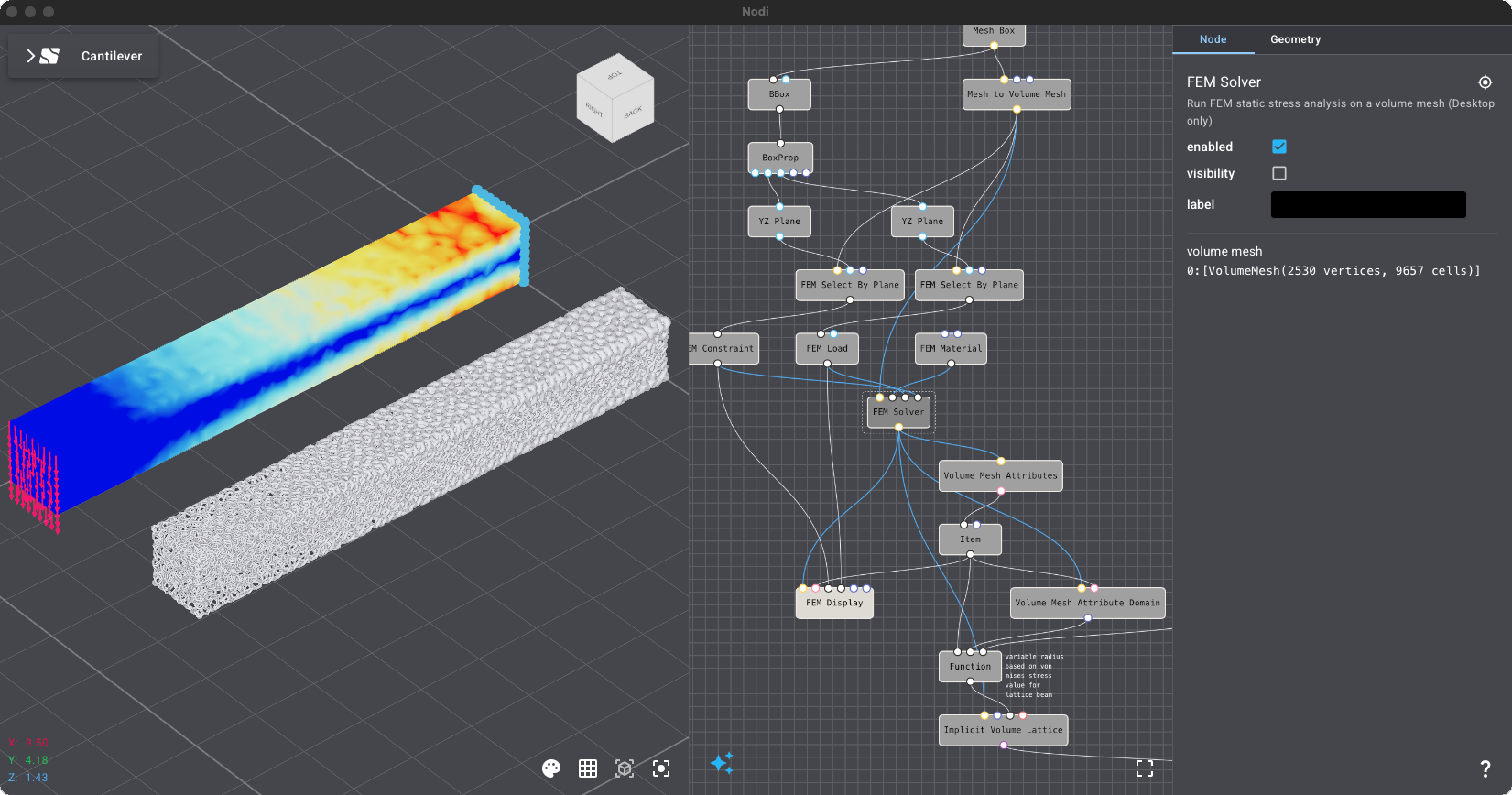
Measure your product’s physical properties in real time, powered by built-in meshless analysis (Immersed FEM) that plugs straight into Implicit modeling.
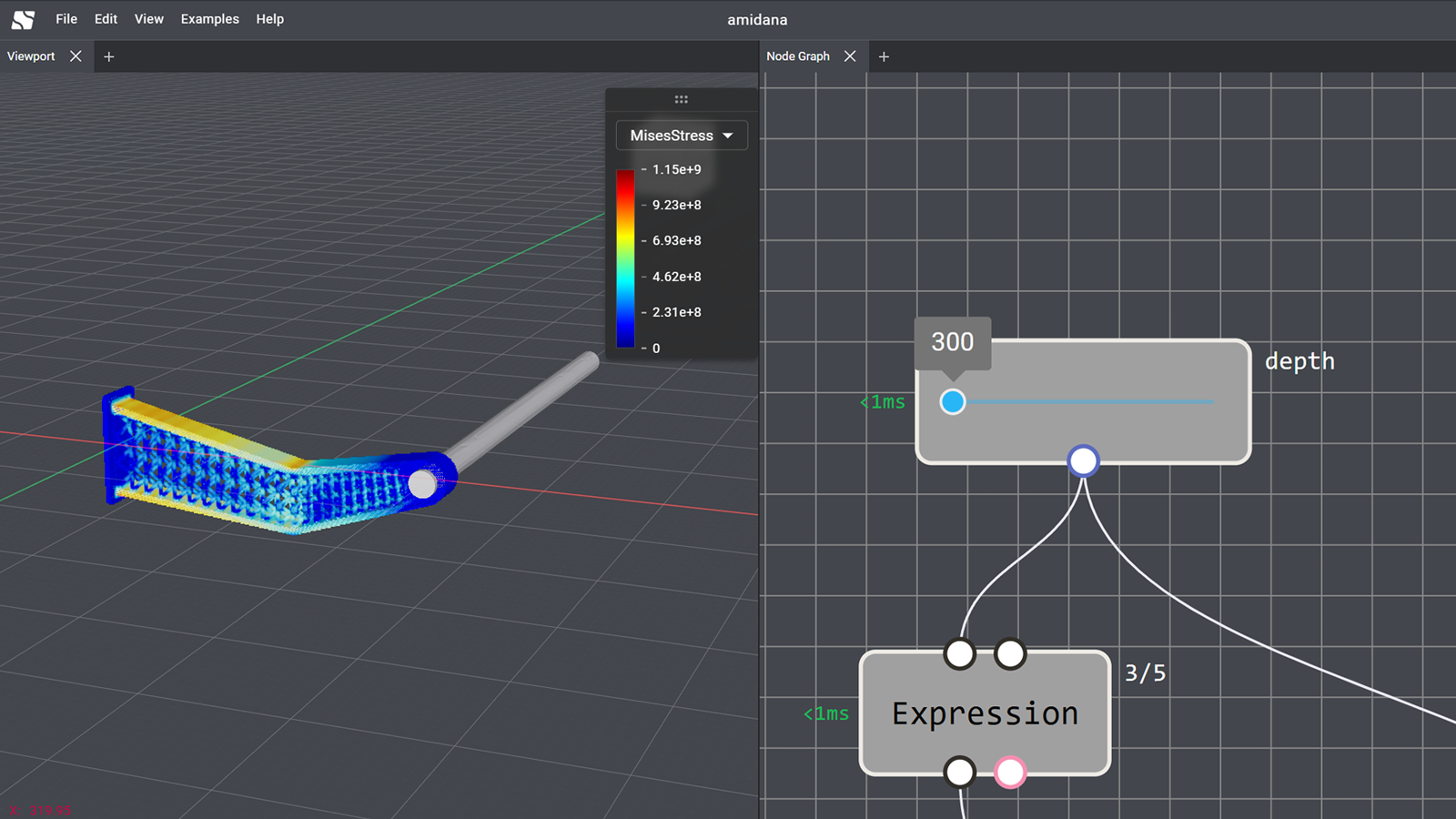
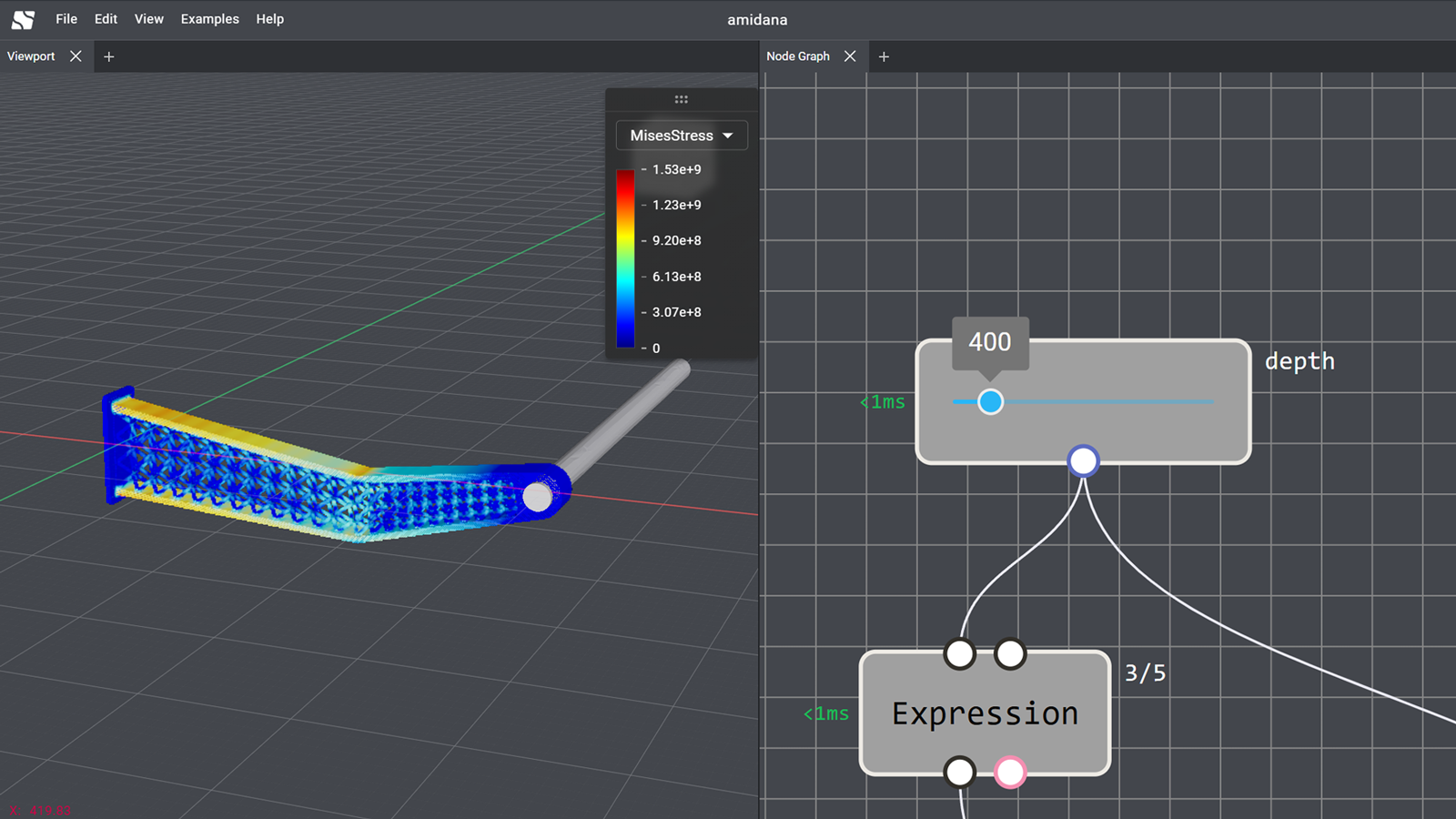
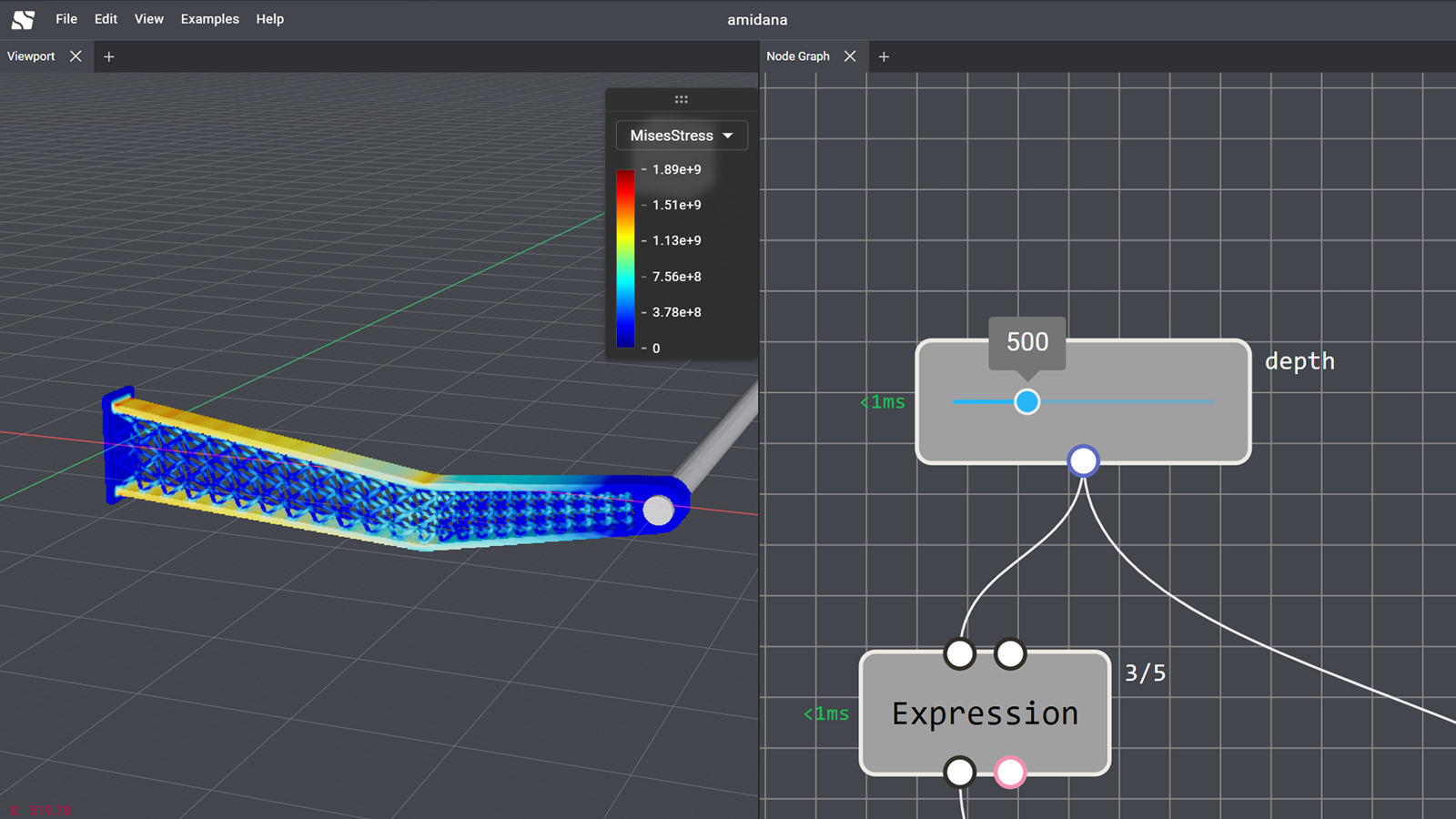
Meshless Stress analysis
No meshing — the biggest bottleneck in CAE. Run stress analysis on shapes exactly as you modeled them, even complex lattices.
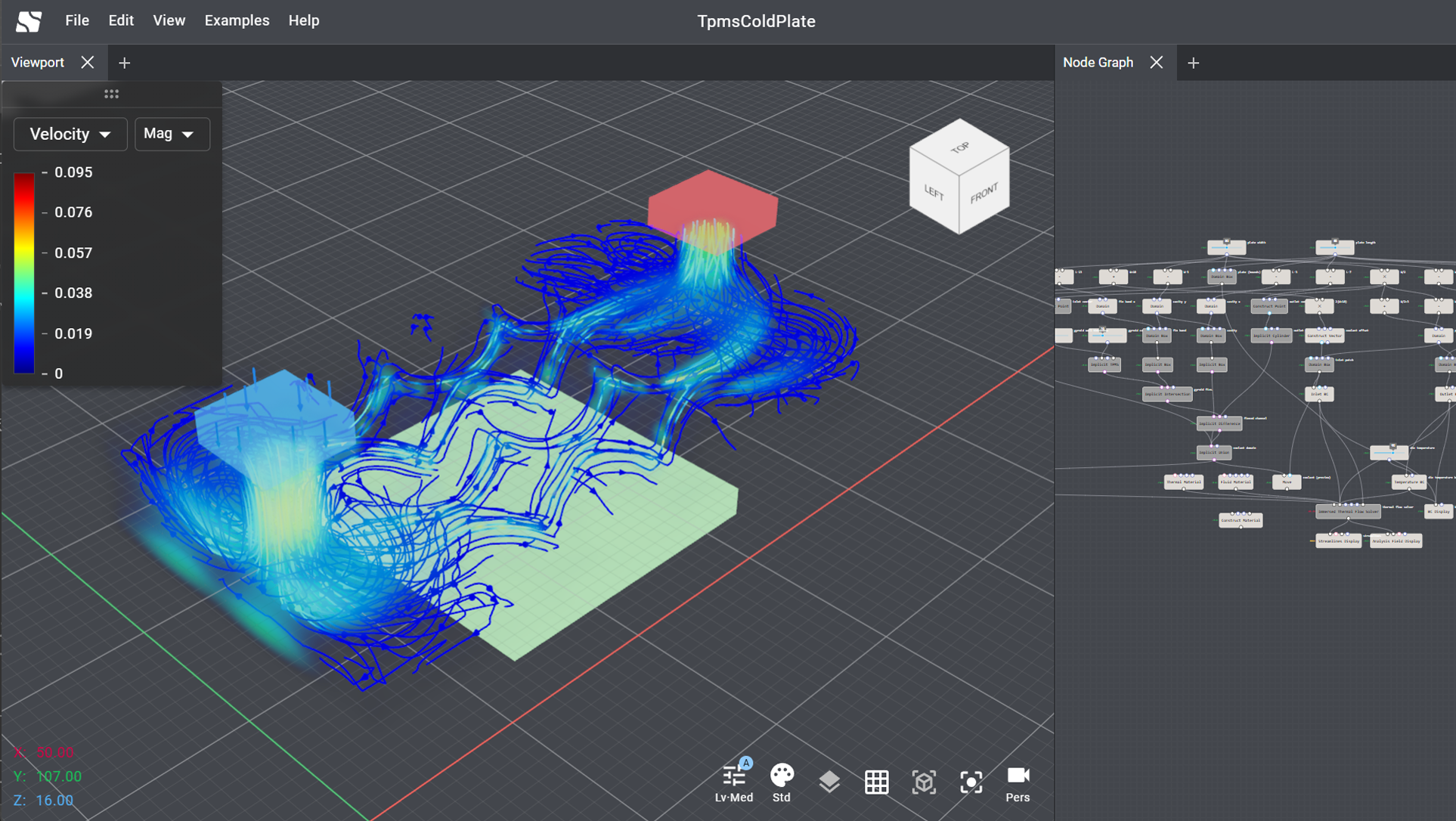
Meshless Fluid Thermal Simulation
Just pick inlet and outlet faces to start. Evaluate pressure drop, velocity fields, and conjugate heat transfer.
Topology Optimization
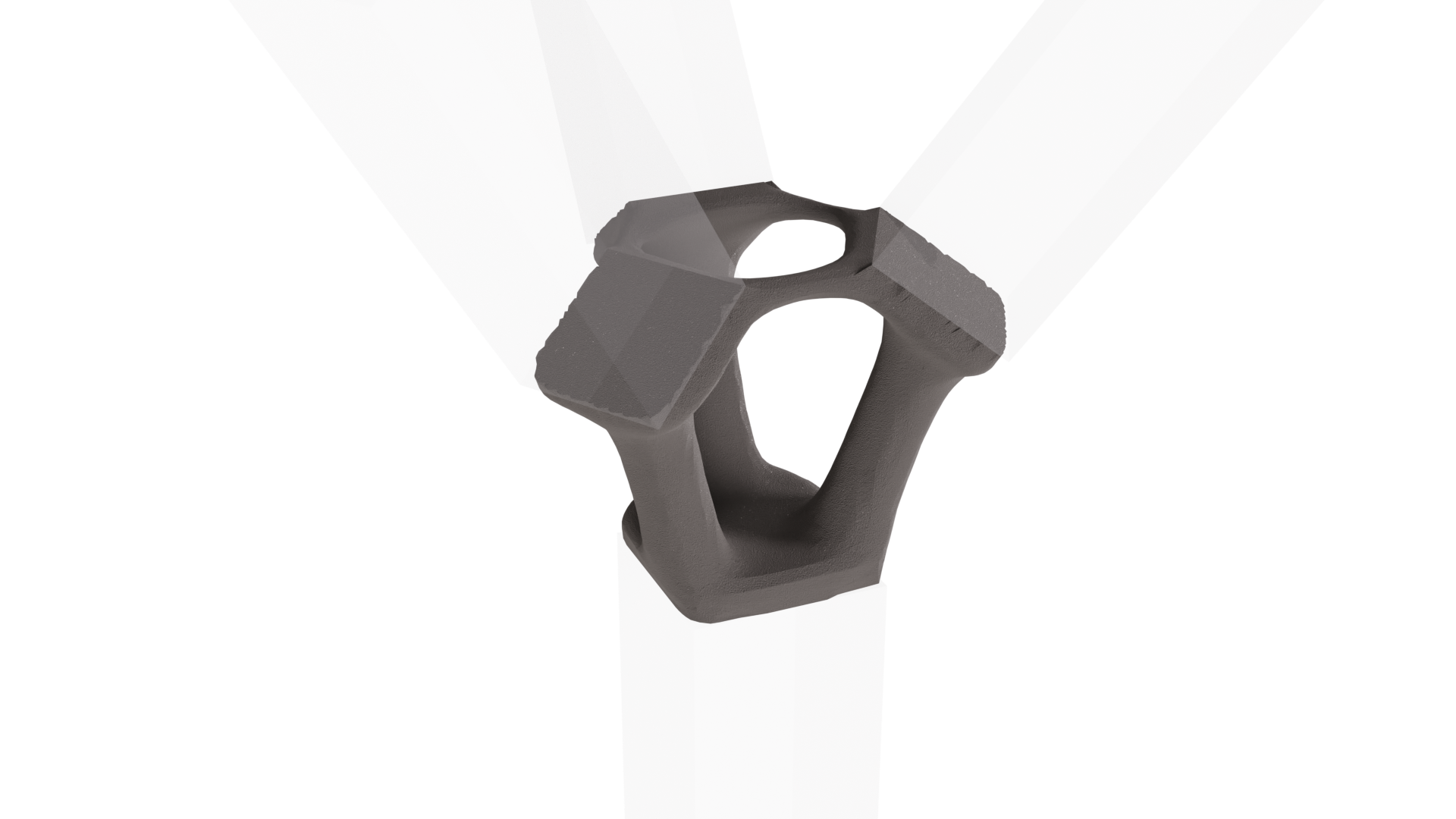
Automatically compute the optimal material layout for your constraints, then feed the result straight back into modeling.
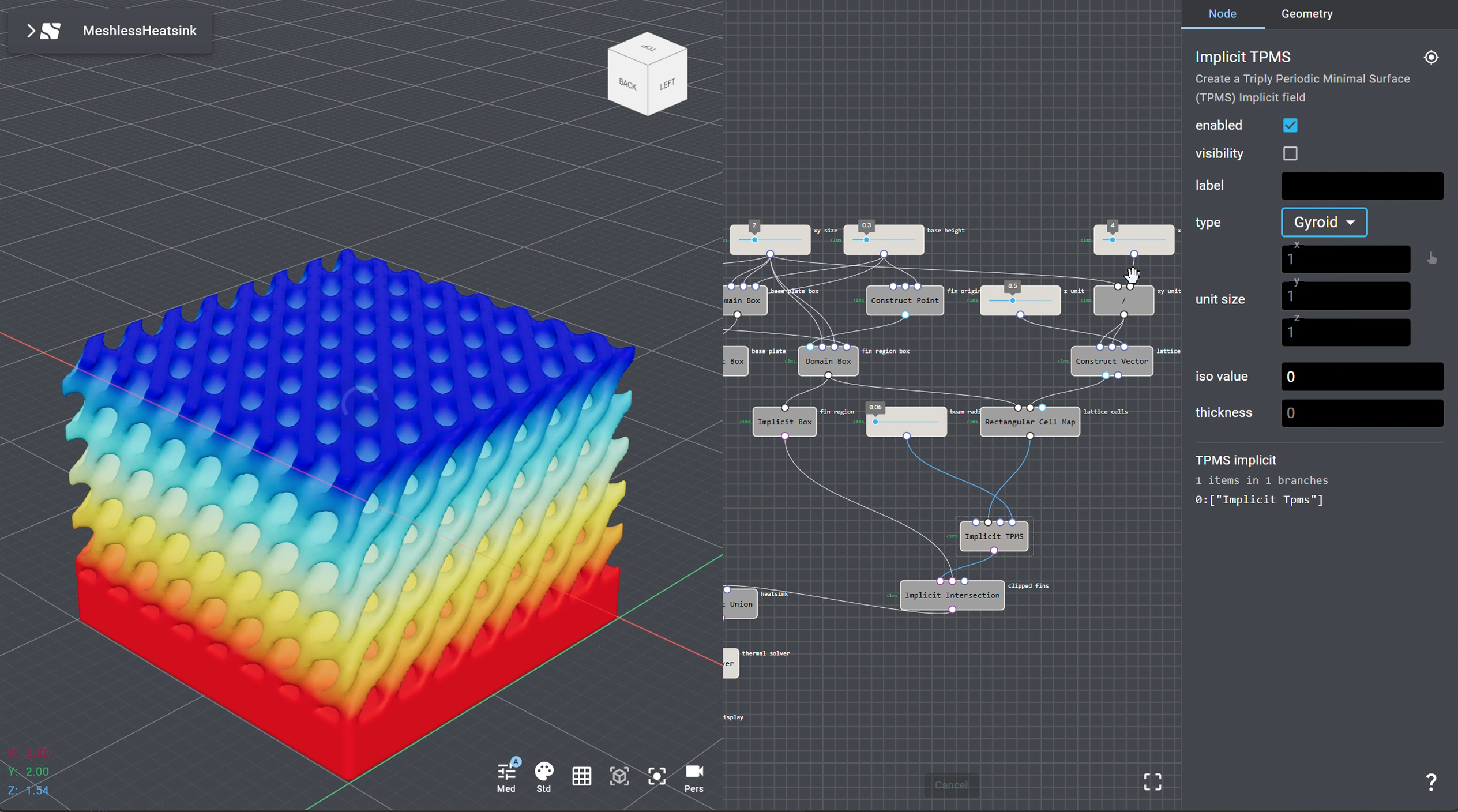
Meshless Thermal Stress analysis
Temperature, thermal deformation and stress in a single run — catch temperature-driven issues while you design.
Connect to your AI
Drive Nodi from the agent you already use. Claude Code, Cursor and Codex talk to your node graph directly — one command, no MCP server config. Available with the Nodi desktop app.
Nodi’s engine, in your workflow
Use the geometry engine and solvers behind Nodi as an SDK library. Model with implicits and B-Rep, analyze without meshing, and build it into the engineering tools and production lines you already run.
Explore Nodi SDKAgent
 Codex
 Claude Code
- Local LLM
Manufacturing-Ready Data
- G-code
- PLM Data
- Sliced Data
- Simulation Results
- Scan Data


Engineering Software
Compute Resources

-


- On-premises

Desktop App
Get early access to the desktop version.
Current functionality includes:
- Handle large-scale Object
- Built-in Analysis
- Runs locally
Windows
macOS
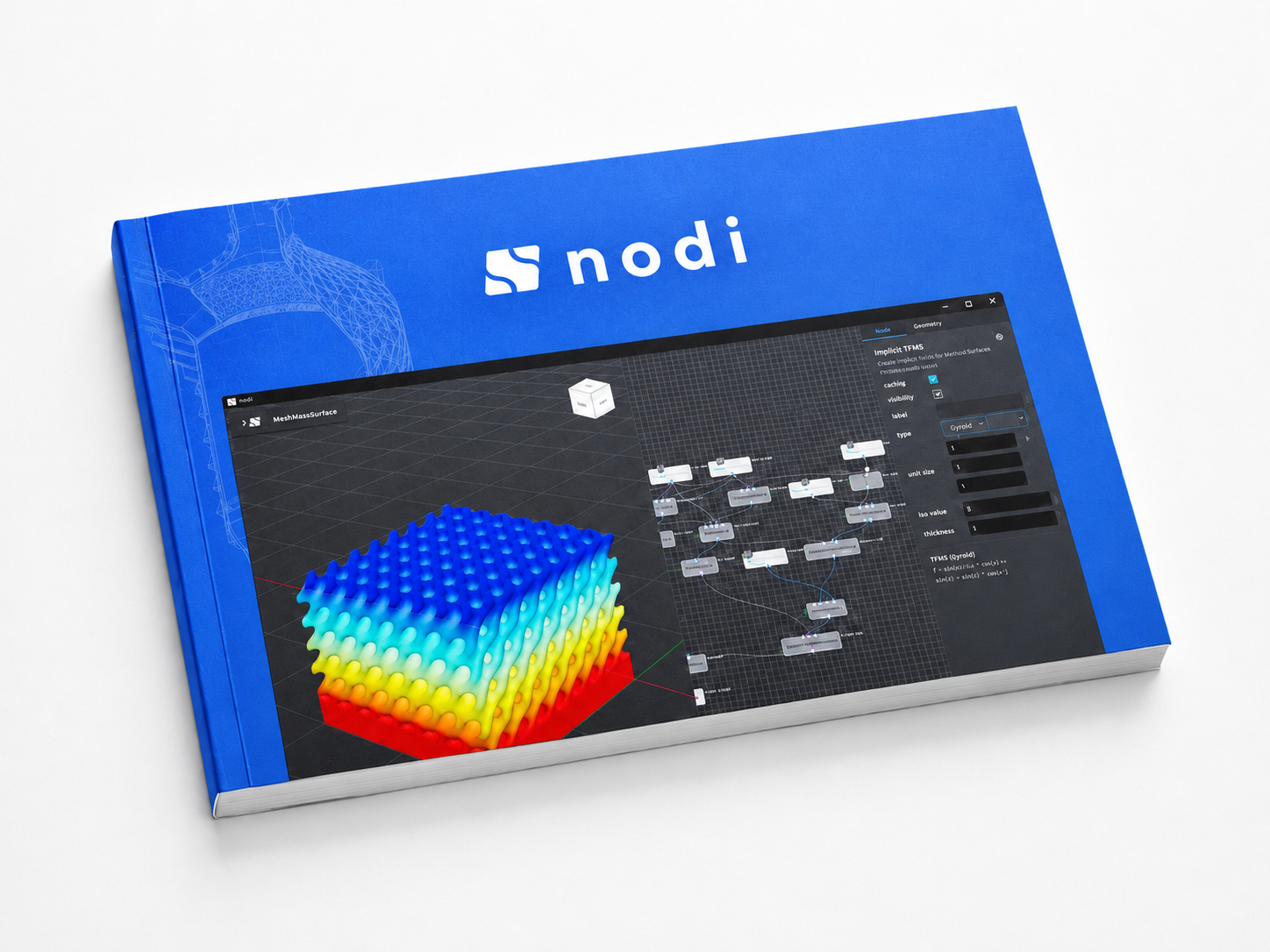
Whitepaper
Contact
News
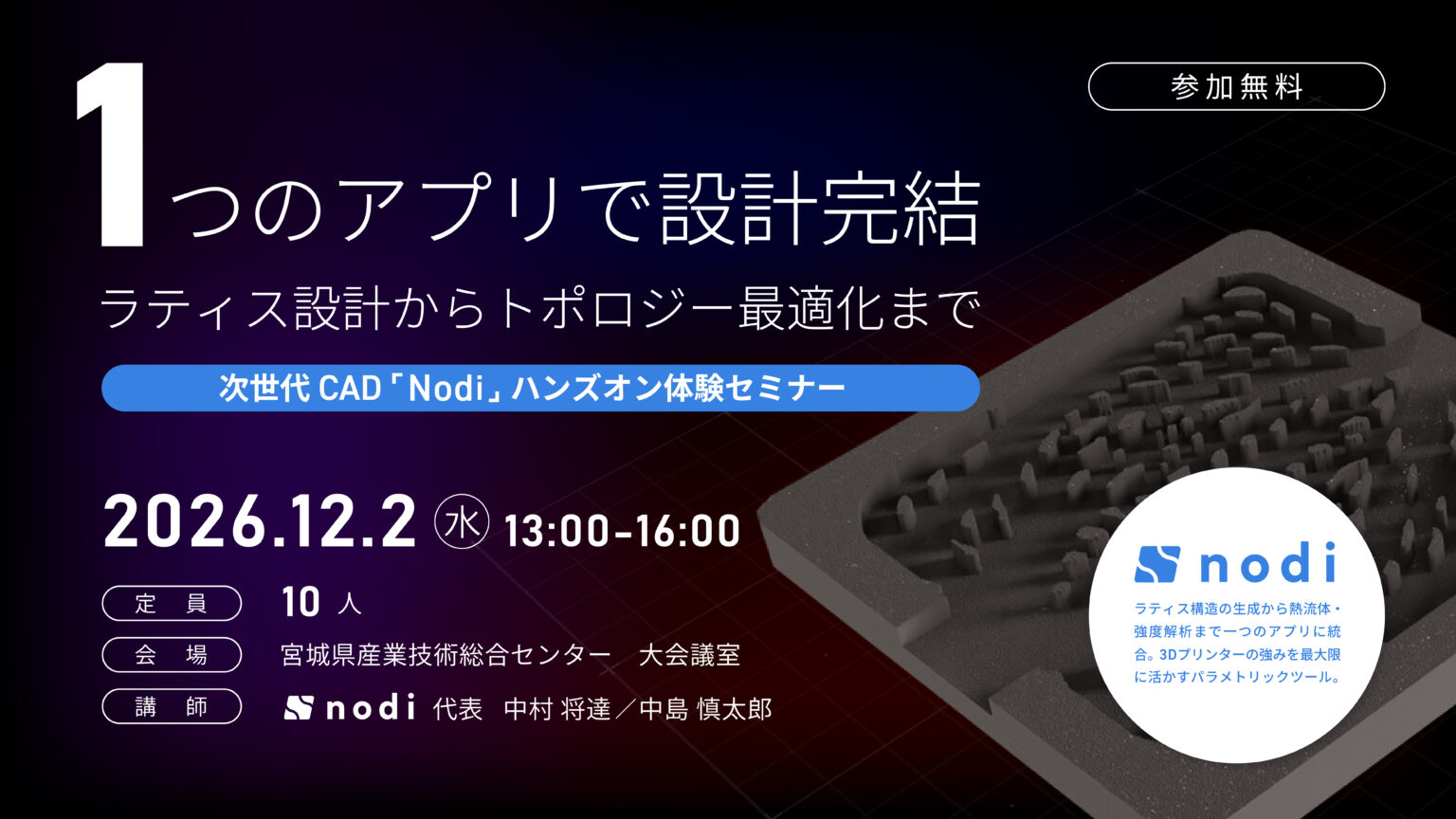
Nodi Hands-on Seminar at the Industrial Technology Institute, Miyagi Prefectural Government
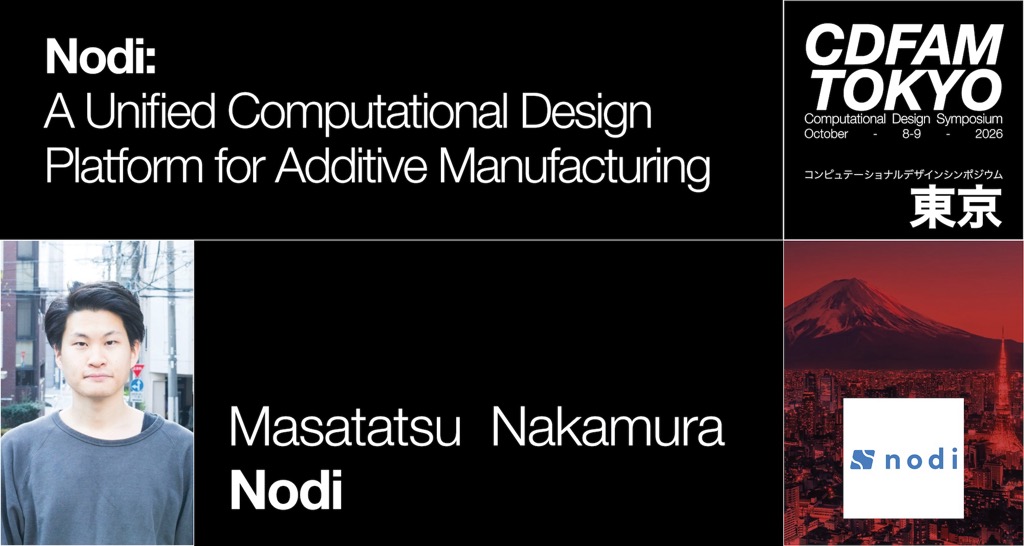
Our CEO Masatatsu Nakamura to Speak at CDFAM Tokyo 2026

Parametric Design Workshop Using Nodi Held at Hiroshima Making Hub Meeting

Nodi Selected for JETRO's "GSAP ManufacturingTech & HardTech Course"
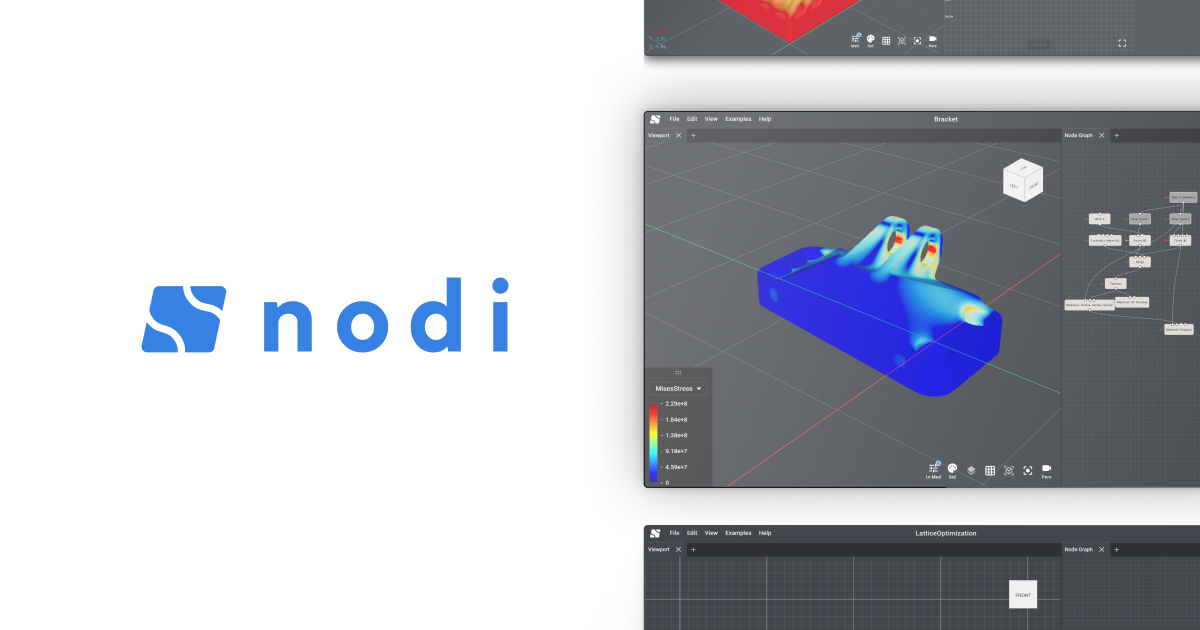
Nodi Selected for NEDO's FY2026 NEP Yakushin Course (Yakushin 3000)
Blog
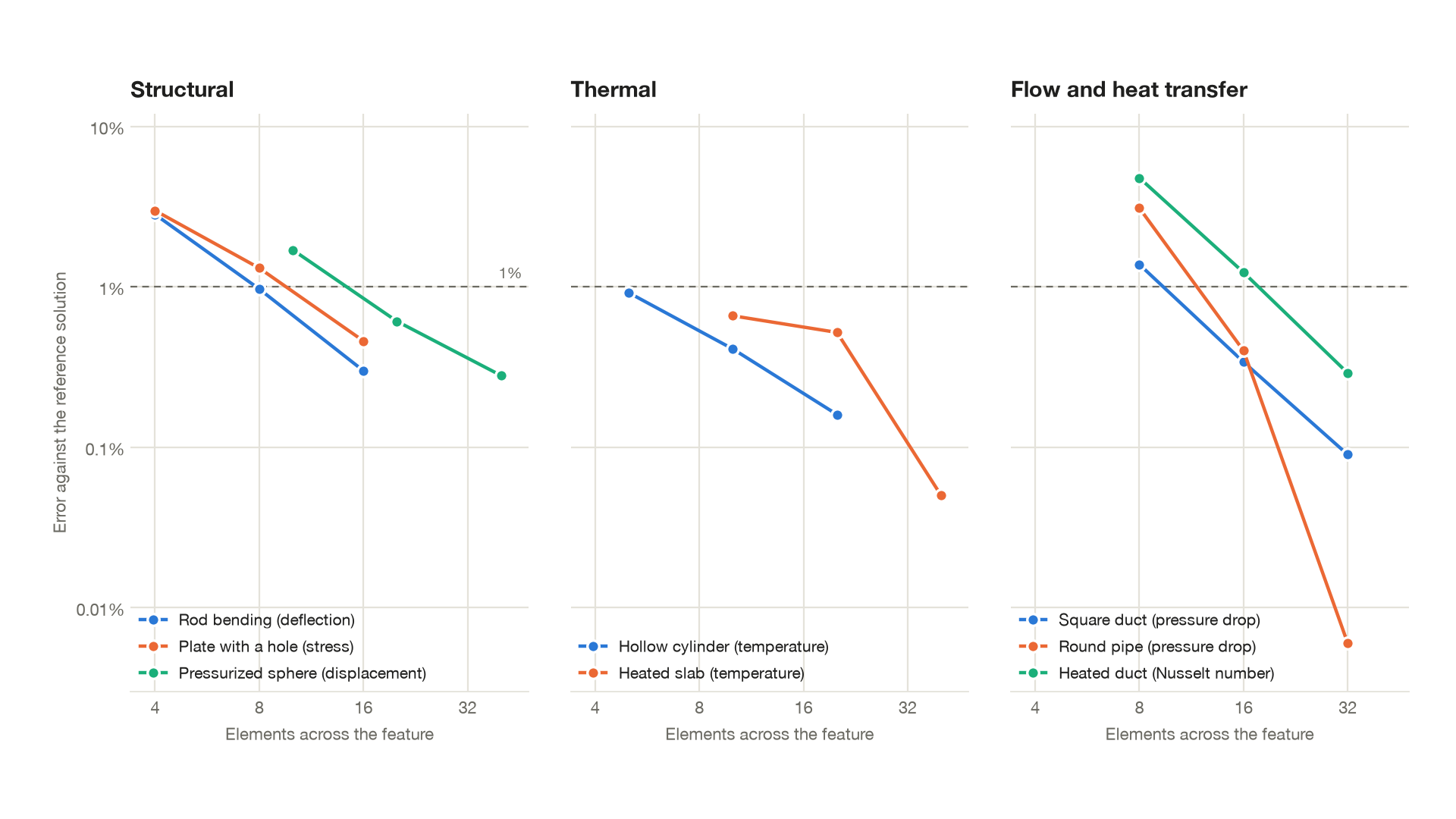
Verifying the Accuracy of Nodi's Meshless Analysis
We verified the accuracy of Nodi's structural, thermal, fluid, and thermal-fluid analysis by comparing eight problems against analytical or standard theoretical solutions. At sufficient resolution, the error is below 0.5% in all eight.
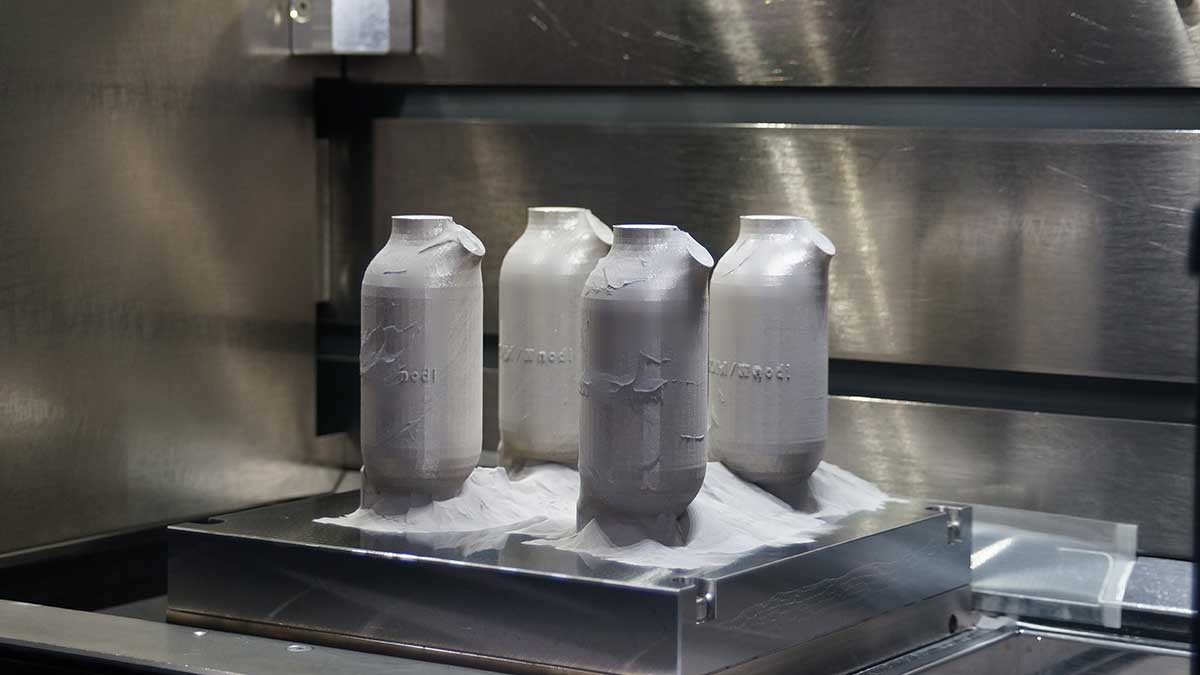
Metal 3D Printing a Heat Exchanger Modeled from Scratch in Nodi
We modeled a heat exchanger from scratch in Nodi and 3D printed it. Here are the lessons we learned while fixing the geometry for printing, from overhangs and wall thickness control to powder removal and islands.
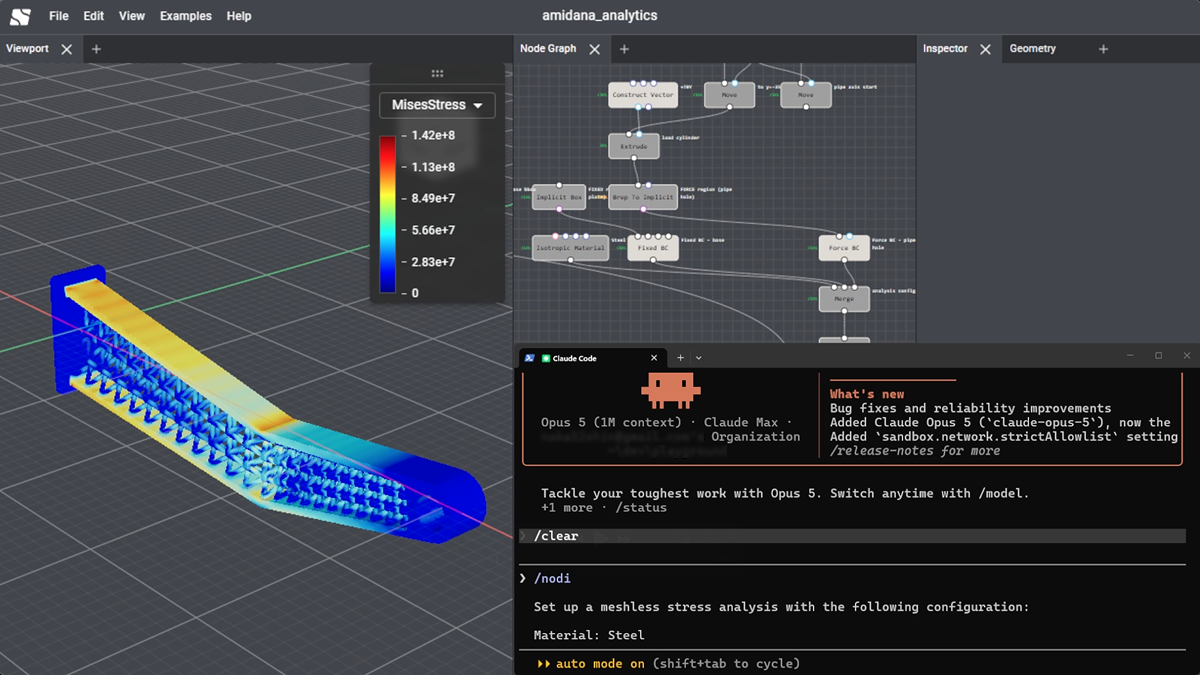
AI-Assisted Modeling in Nodi
Introducing AI-assisted modeling in the Nodi desktop app. Drive your Nodi node graph directly from Claude Code, Cursor, or Codex — with no MCP server configuration. This article covers modeling from images, generating Expressions, and running analysis on the result.